
Software solution

Square Virtual Terminal

Take remote card payments from the computer you already use

Square Virtual Terminal gives a bakery taking a custom cake deposit, a contractor collecting a progress payment, or a salon confirming a service charge a browser-based way to get paid without sending the customer to a counter. You can key in card details, send a payment link by text, charge an authorized card on file, or build an itemized sale from Square’s catalog.

Built for your day-to-day

How it fits your business

It also keeps receipts, customer records, reporting, and recurring billing in the same Square account. The tradeoff is important: manually entered and card-on-file transactions use a higher card-not-present rate than tap, dip, or swipe payments, so this is best for remote or phone orders rather than replacing a customer-facing reader.

Key capabilities

What you can do

  • Bill by phone, text, or email

    Take a remote payment from a Mac or Windows computer with a compatible browser, or text a customer a secure payment link so they can complete checkout on their own device.

  • Choose a quick charge or itemized sale

    Enter a one-off amount for a deposit or service call, or select catalog items and services for clearer receipts, sales trends, taxes, discounts, tips, and inventory context.

  • Keep repeat billing organized

    With the customer’s authorized card on file, schedule daily, weekly, monthly, or yearly recurring charges; later payments are managed through recurring Square Invoices.

  • Use the same customer and sales records

    Virtual Terminal works with Square’s customer directory, item library, receipts, refunds, reporting, and connected Square tools, reducing re-entry when a remote order becomes an in-person sale.

  • Security and dispute tools are built in

    Square says its processing includes PCI certification, active fraud monitoring, account protection, and dispute assistance; merchants still need sound authorization and record-keeping for card-not-present sales.

Explore the details

Product details

What you need to start

Create a Square account, use a compatible computer browser such as Chrome, Safari, Firefox, or Edge, and give the account owner or team member the checkout permission for Virtual Terminal. No reader or special device is required. The Square Free plan has no monthly subscription cost; Plus and Premium are optional paid plans, and Square says plan changes can be made without a locked-in contract.
Remote workflow and practical limits

A staff member can enter a custom amount or catalog items, apply discounts, taxes, tips, service charges, and notes, then email, text, or print a receipt. Split tender is supported. Payment links can collect a payment, sell an item, accept a donation, or sell an event or class, but Square notes that some link creation and customization is unavailable in the Restaurants POS, Appointments POS, and Invoices apps. Payment links are not a substitute for a full online store when a larger catalog or more fulfillment options are needed.

The card-not-present pricing tradeoff

On current U.S. Square Free, Plus, and Premium pricing, manual entry or card on file is 3.5% + $0.15 per transaction. That rate is the same across those three plans. For comparison, tap, dip, or swipe is 2.6% + $0.15 on Free, 2.5% + $0.15 on Plus, and 2.4% + $0.15 on Premium. Afterpay through Virtual Terminal is 6% + $0.30 per transaction when eligible. A custom package may be available for businesses processing more than $250,000 in annual card sales.

Virtual Terminal itself is available with a free Square account and has no monthly fee or long-term commitment. Optional Square Plus and Premium subscriptions can change other software features and some in-person rates, but not the published 3.5% + $0.15 manual-entry/card-on-file rate shown for those plans. Square Terminal is an optional in-person companion, not a requirement for Virtual Terminal.

Upfront hardware (USD)$299
Monthly software (USD)$0

Fees & eligibility

  • Manual entry or card on file

    Current published U.S. rate on Square Free, Square Plus, and Square Premium; applies when a card number is manually entered or a saved card on file is used.

    3.5% + $0.15 per transaction
  • Afterpay through Virtual Terminal

    Only when the seller is eligible for Afterpay and the customer uses it; no monthly or startup fee is stated.

    6% + $0.30 per transaction
  • Square Terminal hardware

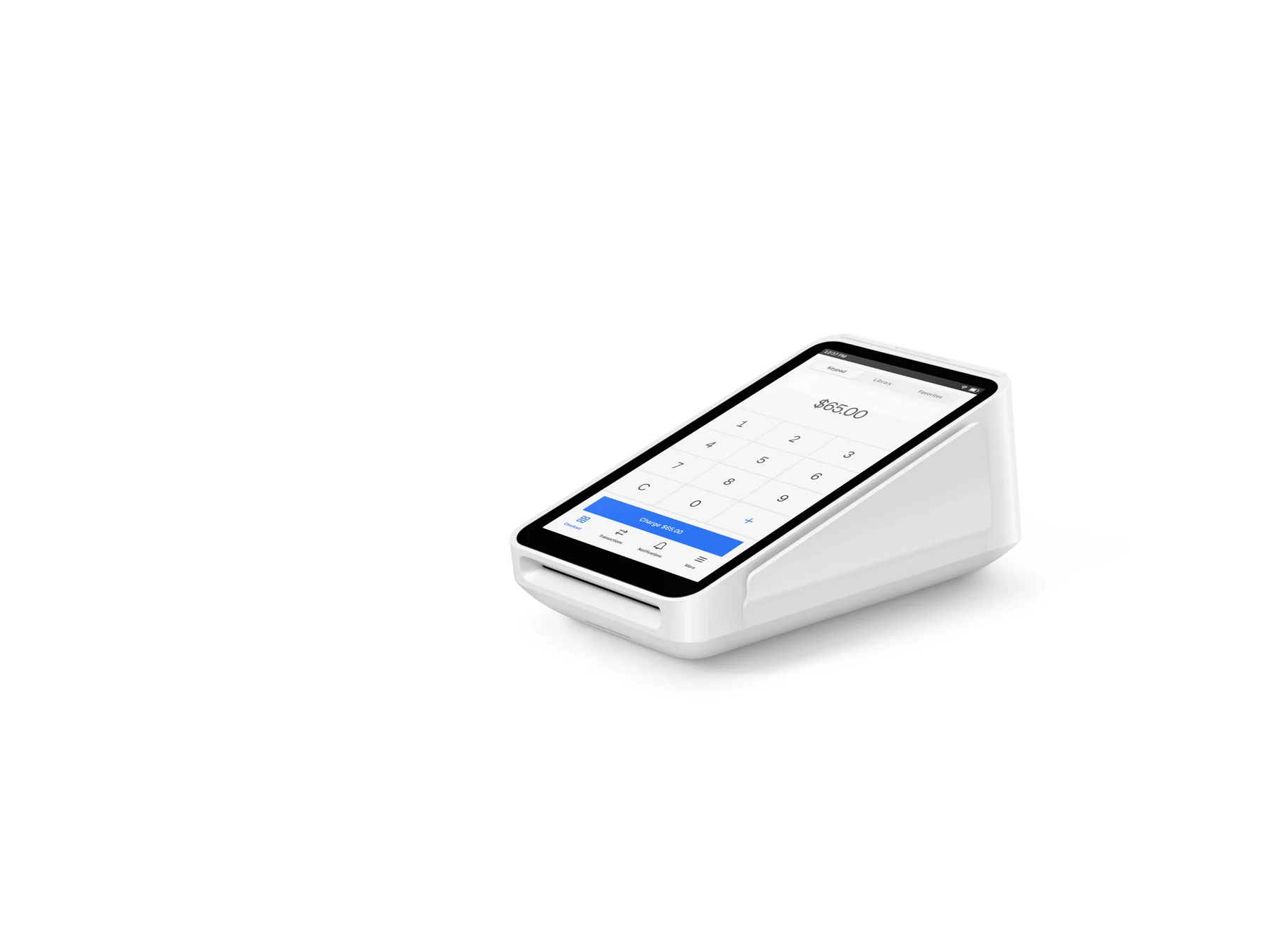
    Optional U.S. hardware companion with built-in receipt printer; financing is advertised separately and is subject to credit approval, state availability, and other terms.

    $299 before taxes and fees
  • International card surcharge

    Applies when the card was issued outside the country of the Square account location, in addition to the base processing rate.

    Additional 1.5%

Requirements

  • A Square account and an internet-connected computer with a compatible browser such as Google Chrome, Apple Safari, Mozilla Firefox, or Microsoft Edge.
  • The account owner or team member needs the checkout permission to use Virtual Terminal; payment-link permissions are separate.
  • A customer’s signed authorization is required before storing a card on file; do not retain CVV in business records.
  • Afterpay acceptance is eligibility-dependent and payment links may be required for the customer’s checkout.
  • Businesses processing more than $250,000 in annual card sales can ask Square about custom pricing; eligibility and terms are not guaranteed.

This record reflects official Square U.S. pages checked on 2026-10-27; rates, product availability, and plan terms can change.

Virtual Terminal is designed for remote or keyed payments. Manually entered transactions are priced higher than card-present tap, dip, or swipe payments because Square and card networks treat them as higher risk.

Square’s U.S. help article currently includes an important note that its documented setup steps and features apply only to accounts created before July 25, 2025; confirm the current Dashboard workflow for newer accounts before publishing operational instructions.

Card-on-file storage requires customer authorization and has PCI-related limits: Square says contactless device credentials cannot be saved and CVV must not be recorded.

A browser-based Virtual Terminal needs connectivity to process the remote charge; Square’s documented offline-payment terms apply to supported Square hardware, not to a claim that browser Virtual Terminal works offline.

Square Terminal’s $299 price is hardware-only before taxes and fees. Its advertised installment option is subject to credit approval and state and purchase restrictions.

No marketing image is included because no license or permission evidence was established for an approved asset.

Questions

Frequently asked questions

Do I need to buy a card reader to use Square Virtual Terminal?

No. Square says you can start with a free account, a computer, a compatible browser, and internet access. A Square Terminal can be added when you also need card-present payments and printed receipts, but it is optional.

What does Square charge for a keyed Virtual Terminal payment?

The published U.S. rate for manual entry or card on file is 3.5% plus $0.15 per transaction on Square Free, Plus, and Premium. Afterpay has a separate 6% plus $0.30 rate when the seller and customer are eligible and use Afterpay.

Can I use Virtual Terminal for deposits or repeat appointments?

Yes. Use a quick charge for a deposit or custom amount, or itemize the service. For recurring billing, first obtain the customer’s authorization and save a card on file; Square says subsequent recurring charges are handled through recurring Square Invoices.

Sources & product information

Information as of 2026-10-27. Product details date: 2026-10-27.

Ready when you are

Talk through the options for your business.