
Business type solution

Contractors & Specialists

Turn approved scopes into paid work, wherever the job takes you

Contractors and specialist service teams can carry one connected workflow from site visit to final payment. Build itemized estimates for labor, materials, quantities, and notes; pair the scope with reusable contracts and digital signatures; then convert approved work into invoices without retyping the job.

A small services team collaborates around a laptop in a warm, naturally lit studio
Representative photograph for Services; it does not depict Contractors & Specialists specifically.

Built for your day-to-day

How it fits your business

Square supports deposits, recurring billing, milestone-based payment schedules, automatic reminders, cards on file, ACH bank transfers, and in-person payments from the office or field. A mobile reader, Square Terminal, or phone-based Tap to Pay option gives crews a practical way to collect on site, while project workspaces and customer records keep job documents and payment status together. It is a strong fit for repair, installation, maintenance, cleaning, and other service businesses that need clearer handoffs between quoting and getting paid.

Key capabilities

What you can do

  • Quote the work clearly

    Create itemized estimates with services, quantities, pricing, discounts, attachments, notes, terms, and timelines. Send them by email, text, or shareable link so a customer can review the proposed scope before work begins.

  • Move approval into billing

    Convert an accepted estimate into an invoice without re-entering customer or pricing details. Eligible paid plans can automate that conversion, helping a crew move from approved scope to deposit or progress billing faster.

  • Collect deposits and progress payments

    Request a deposit, set a separate due date for the balance, or schedule multiple payments around job milestones. Square Invoices also supports recurring invoices and automatic reminders for repeat service work.

  • Get paid in the field

    Take contactless, chip, and swipe payments with supported hardware, or use Tap to Pay on a compatible iPhone or Android phone. Remote customers can pay an invoice by card, wallet, ACH bank transfer, or eligible Afterpay flow.

  • Keep every job record together

    Project workspaces bring invoices, estimates, contracts, notes, and payment activity into one place. Customer Directory can retain contact details and cards on file for future authorized billing.

Explore the details

Product details

A practical office-to-jobsite workflow

Start with a site-specific estimate that separates labor, materials, quantities, and optional packages. Add terms, attachments, and a contract when the scope needs a signed record. Once accepted, convert it into an invoice, request a deposit, and schedule balance payments around the phases that matter to the customer. The same records can be reviewed from a mobile device through Square Invoices or services mode in Square Point of Sale.
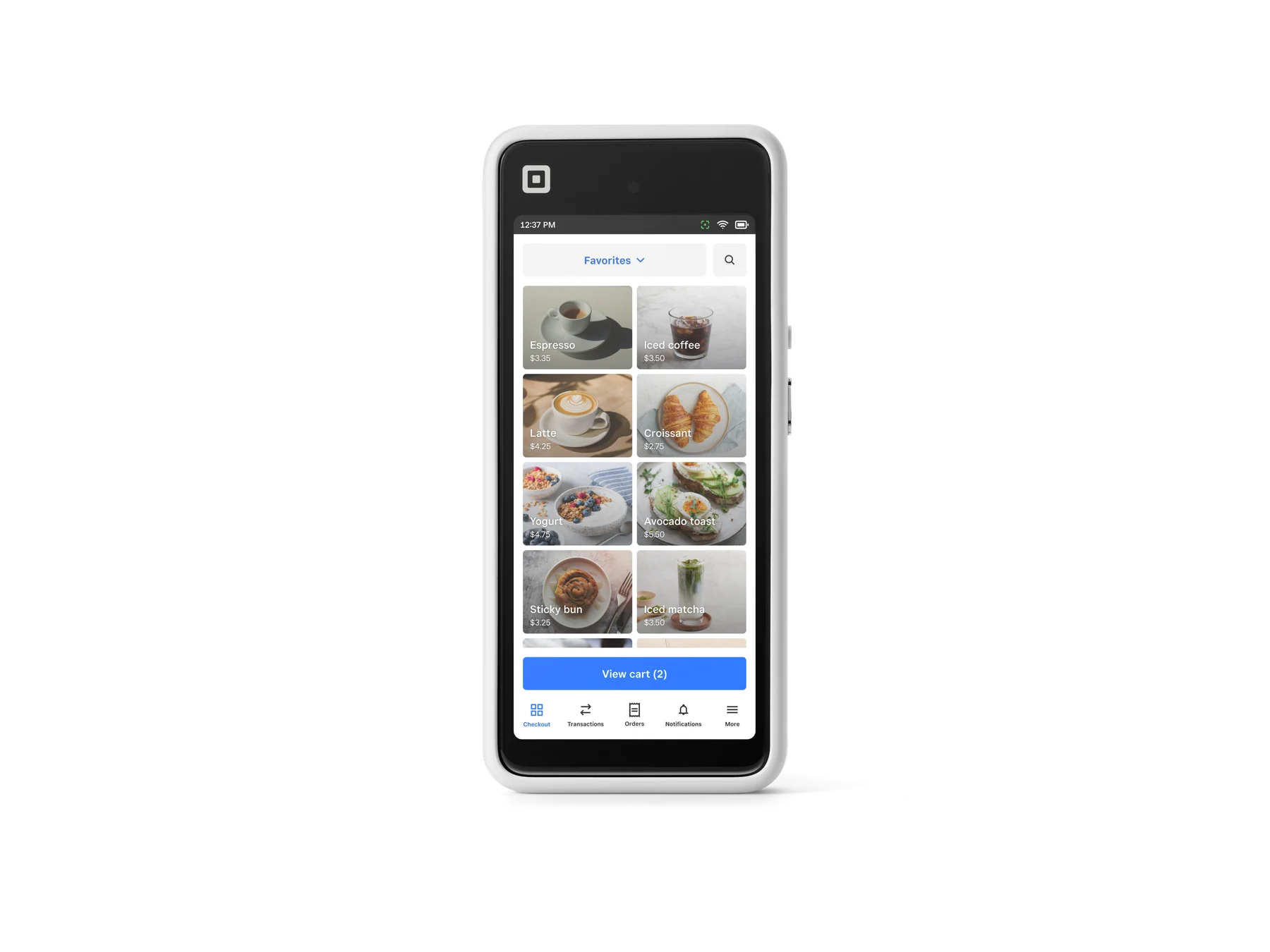
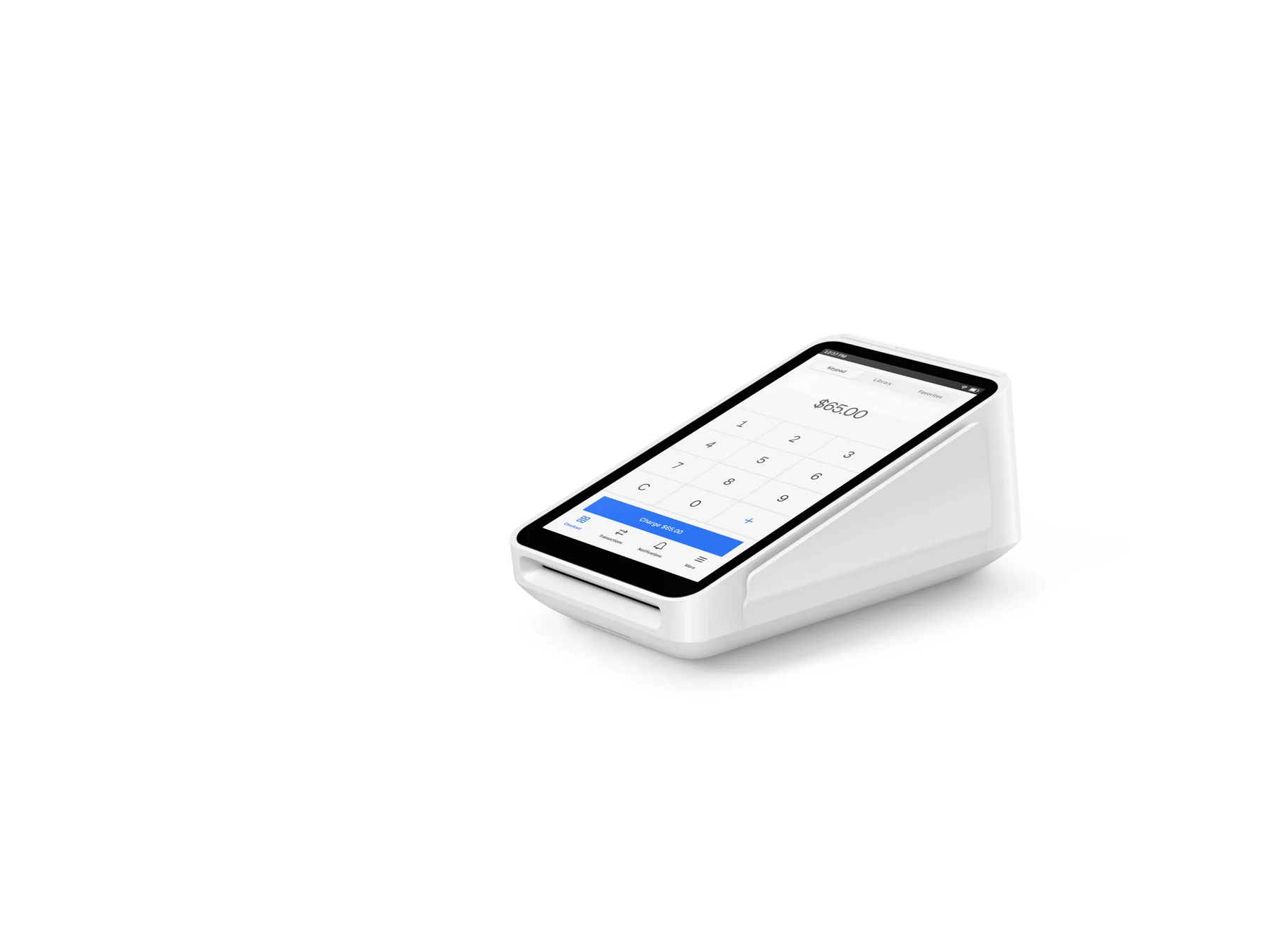
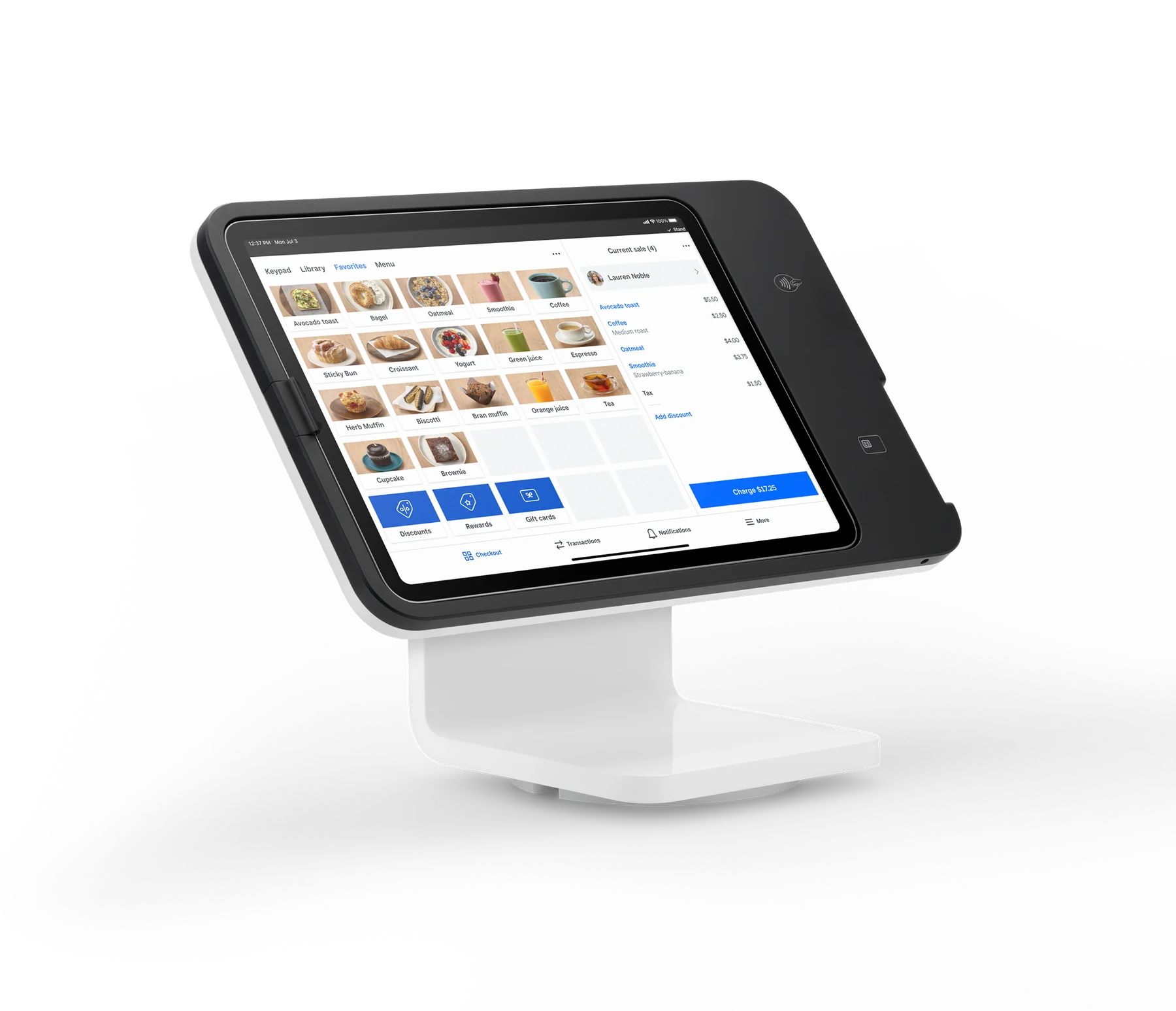
Choose payment tools for the way crews work

A Square Reader for contactless and chip is the lightest option for a phone or tablet. Square Handheld is a self-contained mobile POS, while Square Terminal combines payments with a built-in receipt printer. For phone-free quoting and billing, invoices, payment links, and Virtual Terminal cover remote or keyed payment scenarios. Tap to Pay can remove the need for additional hardware when the phone and account setup are compatible.

Plans and operational guardrails

Square Free has no monthly subscription and includes invoicing, estimates, contracts, and booking basics; Square Plus is listed at $49 per location per month and adds advanced features with lower published processing rates; Square Premium is listed at $149 per location per month and adds the lowest published rates, advanced reporting, and 24/7 phone support. Payment schedules, custom invoice templates, and the $10 invoice-ACH fee cap are shown as Plus features. Businesses processing more than $250,000 annually can ask Square about custom pricing, processing fees, hardware discounts, onboarding, and account support.

Square Free is $0/month. Square Plus is listed at $49/month per location and Square Premium at $149/month per location; both offer a 30-day trial on the current U.S. pricing pages. Square Pro is custom-priced for eligible businesses, including those processing over $250,000 annually. Hardware shown on the official U.S. catalog includes Square Reader for contactless and chip at $59, Square Handheld at $399, Square Terminal at $299, and Square Stand at $149, before tax. Installment offers are subject to credit approval and stated eligibility.

Upfront hardware (USD)$59
Monthly software (USD)$49

Fees & eligibility

  • In-person tap, dip, or swipe — Square Free

    Card-present payments; Free tier published U.S. rate.

    2.6% + $0.15 per transaction
  • In-person tap, dip, or swipe — Square Plus

    Card-present payments; Plus tier published U.S. rate.

    2.5% + $0.15 per transaction
  • In-person tap, dip, or swipe — Square Premium

    Card-present payments; Premium tier published U.S. rate.

    2.4% + $0.15 per transaction
  • Online or invoice card payment

    Online card payments and invoice card payments; published U.S. rates.

    3.3% + $0.30 Free; 2.9% + $0.30 Plus or Premium per transaction
  • ACH bank transfer via invoice

    Customer pays an invoice by ACH bank transfer; published U.S. rates.

    1%, $1 minimum; Plus and Premium include a $10 fee cap
  • Manual entry or card on file

    Card number manually entered or saved card on file used at checkout.

    3.5% + $0.15 per transaction
  • Afterpay

    Eligible Afterpay payments; customer pays over four installments.

    6% + $0.30 per transaction
  • Cash or check

    Square published U.S. payment-fee table.

    Free

Requirements

  • A U.S. Square account and eligible business/payment activity are required; account approval and terms apply.
  • Invoices, estimates, and contracts are available in Square plans, while some automation and payment-schedule capabilities require eligible paid plans.
  • Hardware requires the stated power, internet, and device/software compatibility; Square Reader for contactless and chip pairs with an iOS 16+ or Android 9+ device.
  • Tap to Pay requires a compatible iPhone or Android phone and supported account setup; no additional reader is required.
  • Square Plus and Premium are priced per location; published trials and plan features can change.
  • Custom pricing and processing rates are not guaranteed and depend on Square review, processing volume, and eligibility.

Square’s contractor page is a U.S. industry solution page, but it does not establish that Square replaces construction-specific estimating, takeoff, dispatch, permitting, time-and-materials accounting, lien-waiver, or compliance software.

Square Invoices states that multi-currency acceptance is not supported today; verify currency needs before serving cross-border customers.

Offline payments have a 24-hour reconnection requirement and the seller is responsible for expired, declined, or disputed offline payments; offline mode is not supported on older first-generation Square Reader for contactless and chip units.

Instant transfers require a linked bank account or supported debit card and carry a fee; availability, limits, and timing can vary.

Afterpay eligibility and terms apply. ACH is not free: the published invoice rate is 1% with a $1 minimum, with a $10 cap only on Plus and Premium.

Hardware catalog prices are before tax and can change. Installment plans are subject to credit approval, state availability, purchase limits, APR, and other stated terms.

No image is approved: any marketing use of hardware imagery requires separate license or permission evidence.

Questions

Frequently asked questions

Can a contractor turn an approved estimate into an invoice?

Yes. Square lets a business convert an accepted estimate into an invoice without re-entering the customer, service, and pricing details. Eligible paid plans can automate the conversion.

Can I collect deposits or milestone payments for a larger job?

Yes. Square Invoices supports an upfront deposit with a separate balance due date, and eligible paid plans support payment schedules based on milestones or phases.

What is the lowest-cost way to take a card at a jobsite?

Square’s U.S. catalog lists the Reader for contactless and chip at $59, and Square also supports Tap to Pay on compatible iPhone and Android phones without additional hardware. The reader needs a compatible phone or tablet and Bluetooth connection; published processing fees still apply.

Sources & product information

Ready when you are

Talk through the options for your business.