Business type solution

Full-Service Restaurants

Keep every course, table, and ticket moving together

Full-service dining depends on timing as much as hospitality. Square helps servers take orders and payments tableside, keep open checks organized, split bills by item or seat, and use coursing and seat management to send the right details to the kitchen.

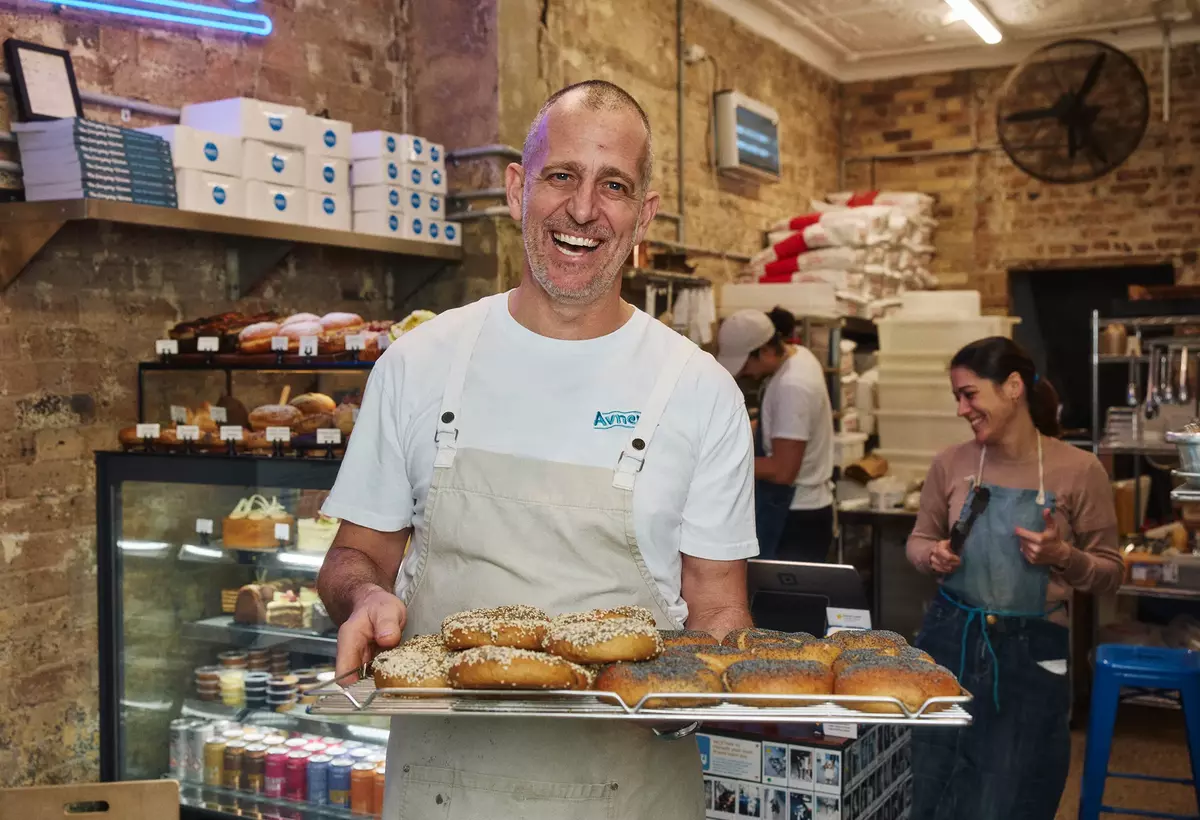
A smiling bakery owner holds freshly baked bagels in a warm, bustling neighborhood bakery
Representative photograph for Food & Beverage; it does not depict Full Service specifically.

Built for your day-to-day

How it fits your business

A live floor plan gives managers a clearer view of dining-room flow, while Square KDS can route dine-in, takeout, delivery, and online tickets to prep or expeditor stations. Add QR payments, branded ordering, pickup, or local delivery without forcing the team onto separate systems. For multi-location groups, shared menus, labor reporting, and location-level reporting make it easier to compare service and staffing decisions.

Key capabilities

What you can do

  • Take the order where the guest is

    Use Square Handheld or another compatible POS station for tableside ordering and payment. Servers can keep item details and updates connected to the kitchen instead of making a second trip to a fixed terminal.

  • Keep courses and seats clear

    Square for Restaurants supports coursing, seat management, custom floor plans, open checks, and splitting by item, seat, or equal payment. Those controls fit a dining room where timing and delivery position matter.

  • Route tickets to the right station

    Square KDS can separate prep and expeditor work, customize ticket layouts and timers, route orders, and show orders from POS, Square Online, and delivery platforms. Staggered prep times can help a kitchen fire components for one table together.

  • Give guests more ways to pay and order

    QR code payments and QR ordering can reduce end-of-meal friction. Square Online can support branded ordering, pickup, and local delivery, with QR orders flowing to POS and then to a kitchen printer or KDS.

  • Make staffing and menu decisions from service data

    Live sales, close-of-day, menu, kitchen-performance, labor, and location reporting can connect service decisions to actual covers, ticket times, sales, and team activity.

Explore the details

Product details

Plans and restaurant operations

Square Free includes core food-and-beverage capabilities such as item and menu management, pickup and local delivery, and a branded online ordering page. Square Plus is listed at $49 per month per location and adds advanced POS capabilities, lower published processing rates, staff management, and loyalty; Square Premium is $149 per month per location and adds the lowest published rates, advanced reporting, and priority support. Full-service workflows such as coursing and seat management are shown on the Premium column. Square KDS requires Plus or Premium and costs $30 per month per device on Plus or $20 per month per device on Premium. Square Pro is custom-priced; Square says businesses processing over $250,000 annually can ask about custom rates, hardware discounts, onboarding, and implementation support.
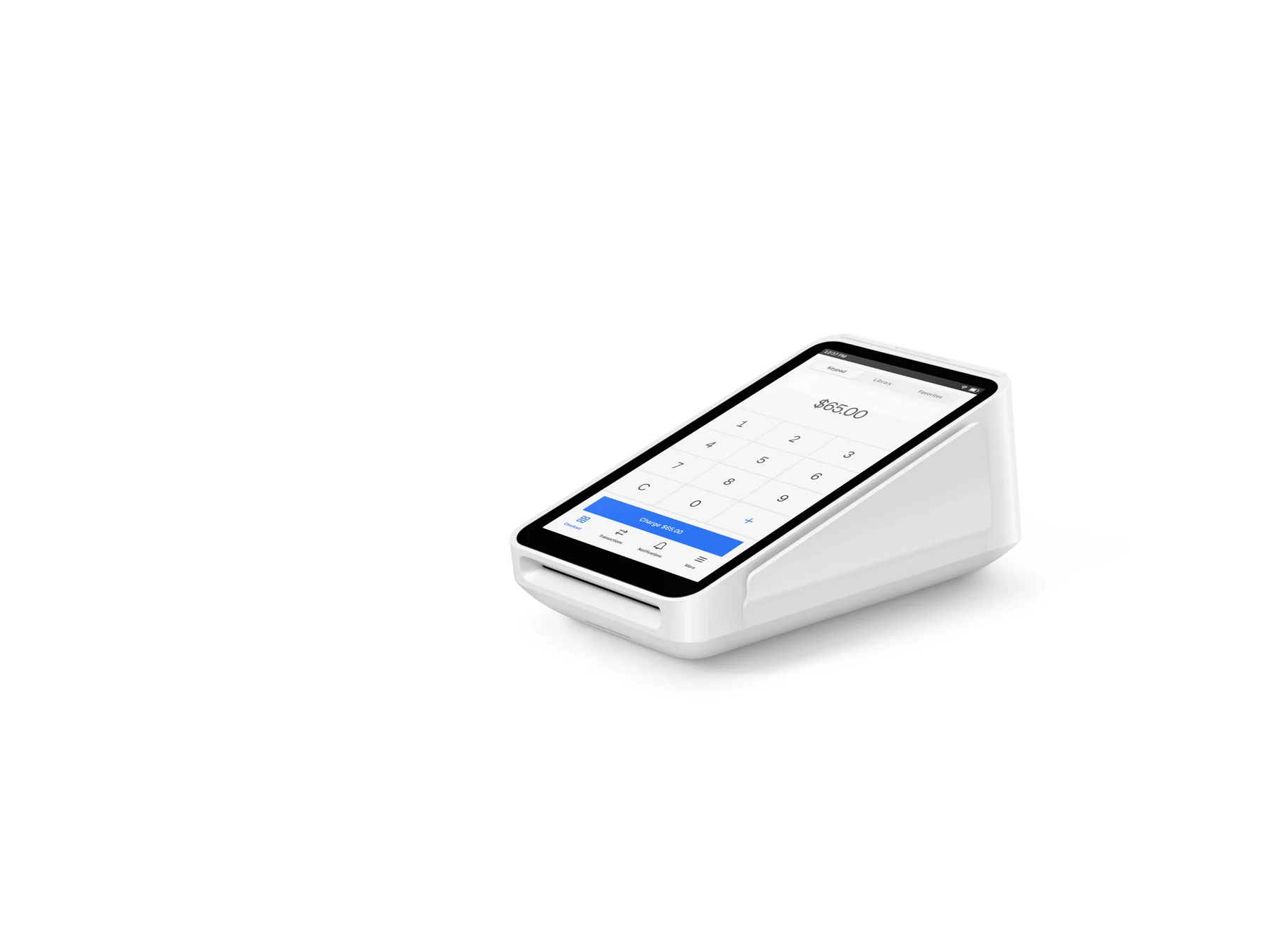
Hardware that fits a dining room

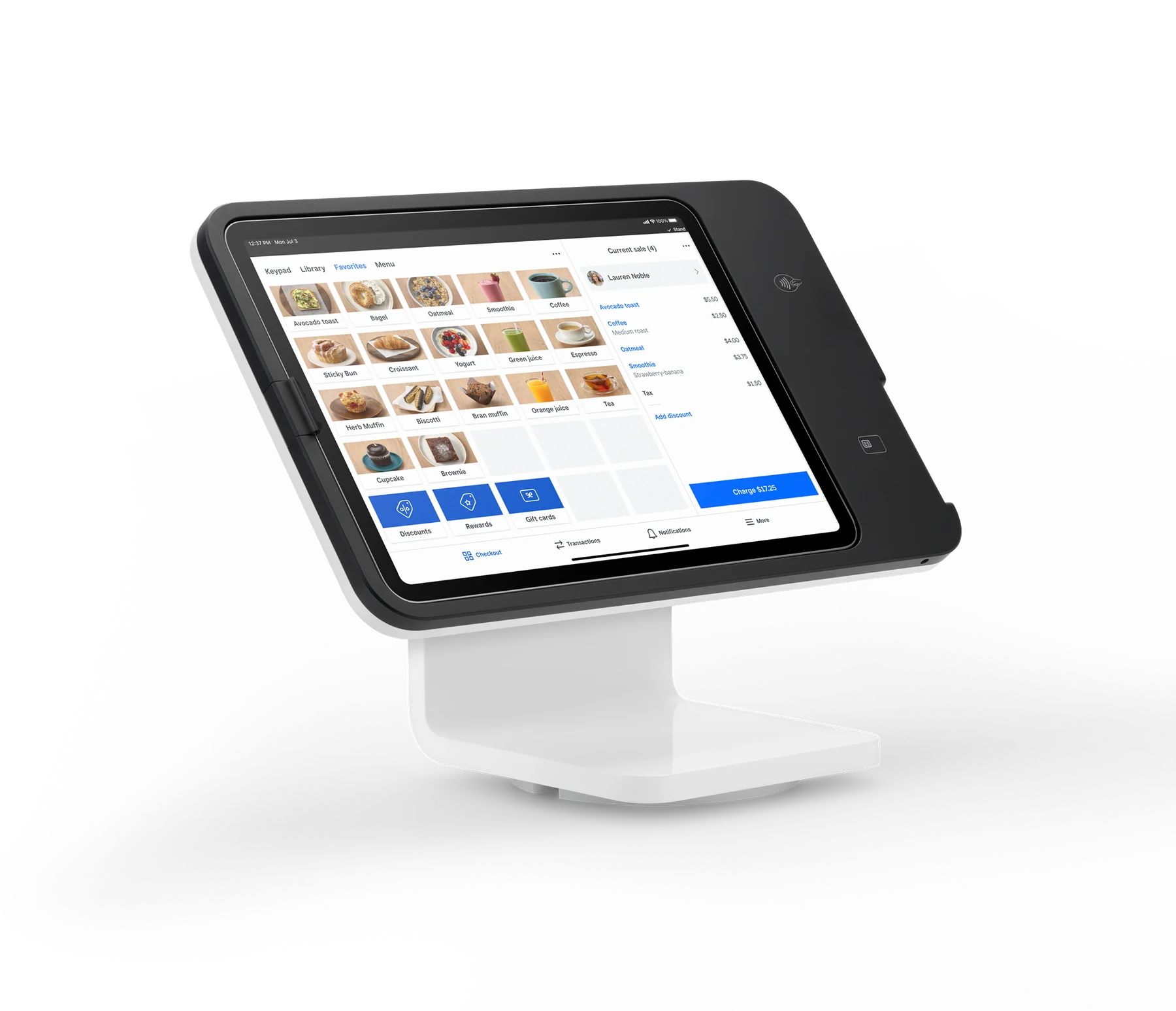
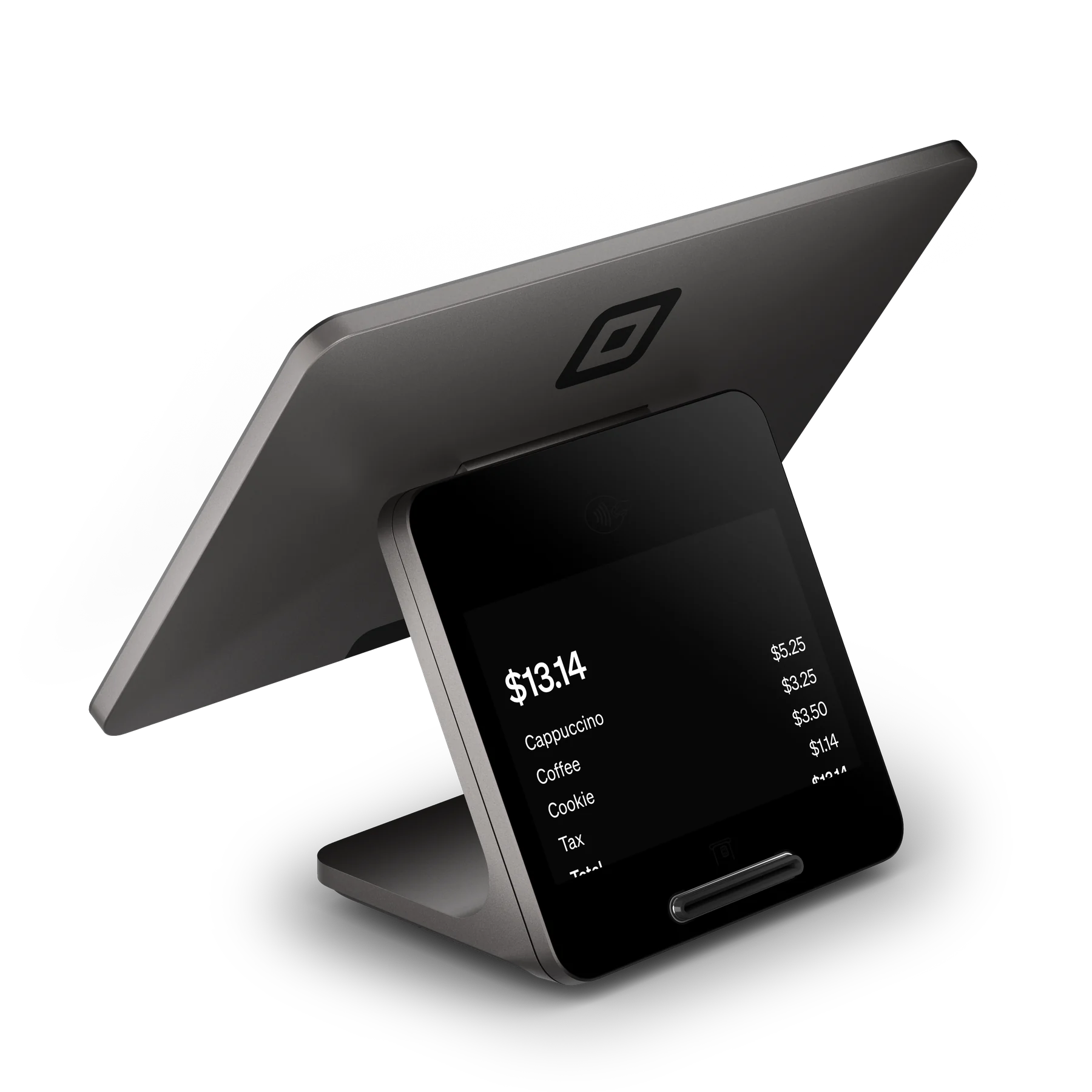
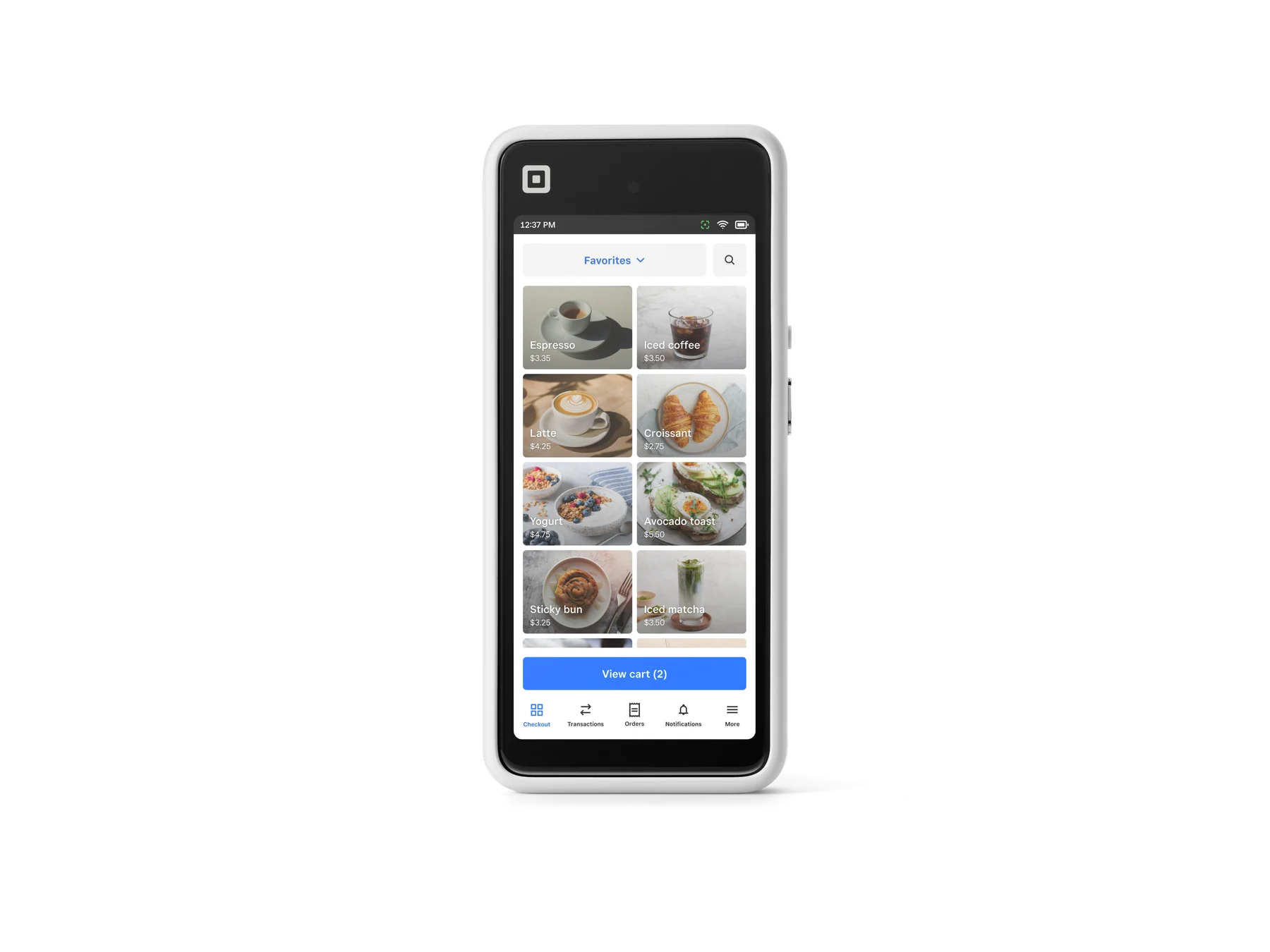
Square Handheld is listed at $399 and is designed for tableside orders and payments; Square Terminal is $299 and includes a receipt printer; Square Stand is $149 and requires a compatible USB-C iPad; Square Register (2nd generation) is $899. A kitchen display requires an Android device: Square lists MicroTouch 10.1-inch, 15.6-inch, and 21.5-inch screens, with Android 9 or newer, Google Play, and at least 3 GB RAM recommended. Compatible kitchen-grade devices are preferred for heat and grease. Printers, cash drawers, networking, and mounting accessories are separate purchases.

Published fees and important boundaries

For the new U.S. plans, published card-present rates are 2.6% + 15¢ on Free, 2.5% + 15¢ on Plus, and 2.4% + 15¢ on Premium per tap, dip, or swipe. Online or invoice card payments are 3.3% + 30¢, 2.9% + 30¢, and 2.9% + 30¢ respectively; manual entry or card-on-file is 3.5% + 15¢ on all three. Afterpay is 6% + 30¢. International cards add 1.5%. Cash and checks are free. Square says fees apply to the total including tax and tip, and rates can differ for custom or legacy plans. Hardware is not included with the subscription. Offline payments can continue for up to 24 hours, but transactions must upload after reconnection and the seller bears risk for expired, declined, or disputed offline payments.

U.S. published pricing verified October 27, 2026: Square Free is $0/month; Square Plus is $49/month per location; Square Premium is $149/month per location. Full-service restaurants can use core restaurant workflows on Free, but KDS requires Plus or Premium; coursing and seat management are shown in the Premium feature column. Square KDS is $30/month per device with Plus or $20/month per device with Premium. Hardware is extra: Square Handheld $399, Square Terminal $299, Square Stand $149, Square Register (2nd generation) $899, and Square Kiosk $1,999 with counter stand. Businesses processing over $250,000 annually can ask Square about custom pricing and processing rates.

Monthly software (USD)$49

Fees & eligibility

  • In-person tap, dip, or swipe — Square Free

    Card-present payment on the new U.S. Square Free plan.

    2.6% + $0.15 per transaction
  • In-person tap, dip, or swipe — Square Plus

    Card-present payment on the new U.S. Square Plus plan.

    2.5% + $0.15 per transaction
  • In-person tap, dip, or swipe — Square Premium

    Card-present payment on the new U.S. Square Premium plan.

    2.4% + $0.15 per transaction
  • Online or invoice card payment

    Card-not-present online or invoice payment; plan rates vary as listed.

    3.3% + $0.30 Free; 2.9% + $0.30 Plus or Premium per transaction
  • Manual entry or card on file

    Applies on Free, Plus, and Premium when card details are manually entered or a saved card is used.

    3.5% + $0.15 per transaction
  • Afterpay

    Fixed rate for Afterpay; does not vary by subscription, hardware, or custom pricing.

    6% + $0.30 per transaction
  • International card surcharge

    Card issued in a different country from the Square account location.

    Additional 1.5%
  • Square KDS software

    Requires an active Square Plus or Premium subscription; not available on Free.

    $30/month per device with Plus; $20/month per device with Premium

Requirements

  • A Square account, verified identity, linked bank account, compatible hardware, and internet connection are required to take payments.
  • Square KDS requires Square Plus or Premium, an Android device, Google Play, Android 9 or newer, and at least 3 GB RAM recommended.
  • QR code ordering requires Square Online Plus/Premium or Square Plus/Premium, an Order Online page, published website, and self-serve ordering fulfillment assigned to items.
  • Square Kiosk requires an active Square Plus or Premium subscription; legacy Restaurants POS subscribers must switch to a Square plan for the new Kiosk.
  • Custom pricing is not automatic; Square says sellers processing over $250,000 annually can contact sales to ask about eligibility.

Square describes this as a U.S. offering; confirm the seller's location, account plan, and current Dashboard rates before purchase.

Published rates are not a promise of a custom or legacy-plan rate. Square's fee help page says legacy plans can have different rates.

Hardware prices are device-level prices before applicable tax and do not include required or optional accessories, compatible iPads, KDS screens, mounts, printers, or networking equipment.

Square KDS support is prioritized for listed MicroTouch devices; Square does not guarantee the display quality or bug support of an unlisted Android device.

Square Stand requires a compatible USB-C iPad. When Square Stand runs Square Kiosk Lite, it cannot connect directly to external accessories via Bluetooth, USB, or Ethernet, and offline payments are unavailable in Kiosk Lite mode.

Offline payments are processed after reconnection and may be declined if the device is not reconnected within 24 hours; the seller is responsible for expired, declined, or disputed offline payments.

Square Kiosk is currently U.S.-only and English-only; voice may be unsuitable for extreme noise environments, where Square recommends touch.

No image license was verified from the official pages reviewed, so no marketing image is approved in this record.

Questions

Frequently asked questions

Can a full-service restaurant use Square without paying a monthly POS subscription?

Yes. Square Free is listed at $0 per month and includes core food-and-beverage features such as menus, pickup and local delivery, and a branded online ordering page. Advanced full-service workflows and add-ons have plan requirements: Square KDS is not available on Free, and coursing and seat management are shown in the Premium feature column.

What does a full-service restaurant need for Square KDS?

An active Square Plus or Premium subscription, the Square KDS app, and a compatible Android device are required. Square lists MicroTouch kitchen screens and recommends Android 9 or newer, Google Play, and at least 3 GB RAM. KDS costs $30 per month per device with Plus or $20 per month per device with Premium.

What are Square's standard U.S. in-person fees for a full-service restaurant?

The published card-present rate is 2.6% + $0.15 per transaction on Square Free, 2.5% + $0.15 on Square Plus, and 2.4% + $0.15 on Square Premium. These are plan rates for tap, dip, or swipe payments; online, keyed, Afterpay, international-card, custom, and legacy-plan rates differ and should be checked before enrollment.

Sources & product information

Ready when you are

Talk through the options for your business.